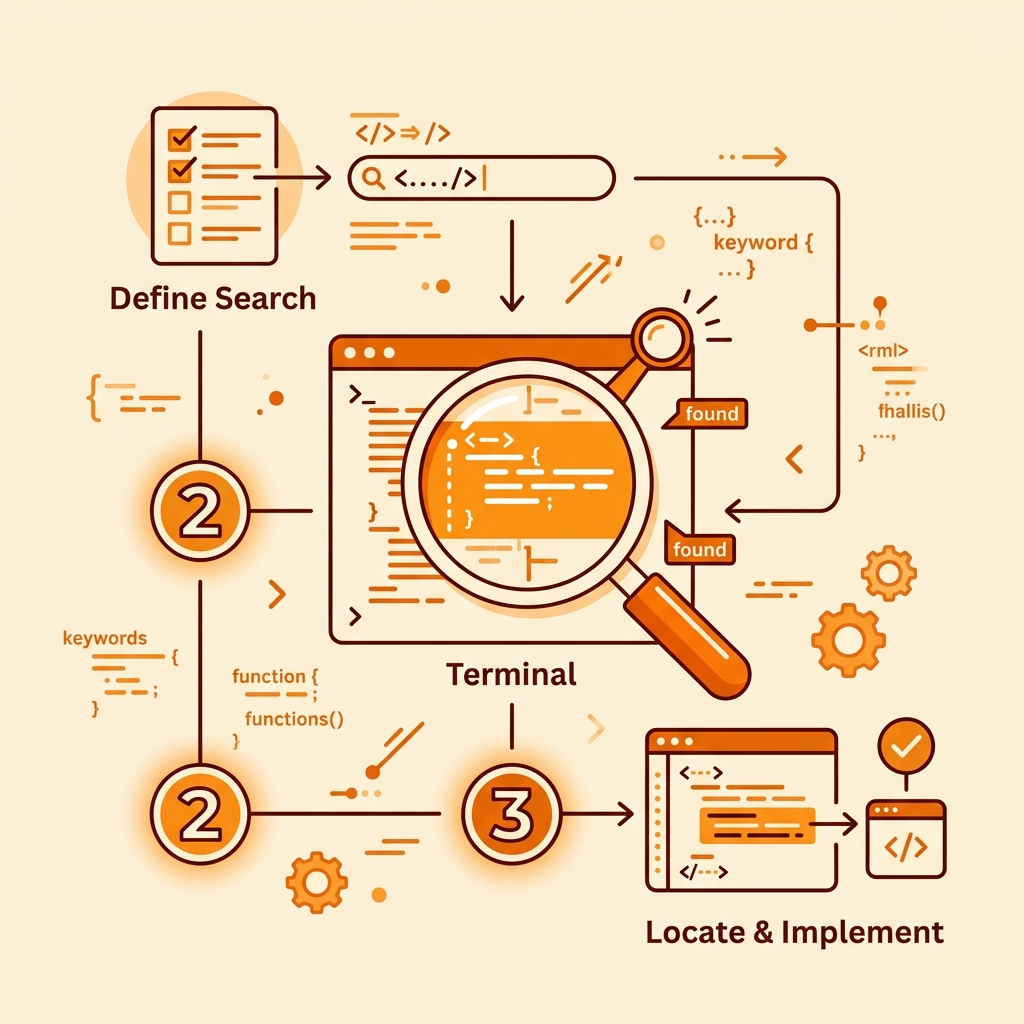
How to Use Quirk GitHub
A step-by-step developer tutorial on compiling search queries and auditing credentials.
1. Set Your Scan Target
Go to the Builder Console. In Step 1, select your search scope:
- user: Targets a specific GitHub developer username.
- org: Targets a specific GitHub organization directory.
- global: Searches across the entire public GitHub index (leaves scoping parameters empty).
2. Pick Credentials & Filter Qualifications
Select which credentials, API keys, or database URI patterns you want to scan for. You can narrow down file searches by specifying paths (e.g. config), filenames (e.g. .env), or extensions (e.g. yml, ts).
Toggle exclusions to filter out noise like lockfiles (package-lock.json), test folders, or archived/forked repositories.
3. Crucial Rule: "Search in Code"
Once you click "Generate query", you can copy the query to your clipboard or click "Open in GitHub".
4. Local Scanning with Gitleaks
If you prefer offline auditing, you can click the "Export gitleaks.toml" button in the builder card. This compiles the selected regex patterns into a valid gitleaks.toml format. Download it and run it inside your local terminal:
gitleaks detect --config=gitleaks.toml --source=. --verbose